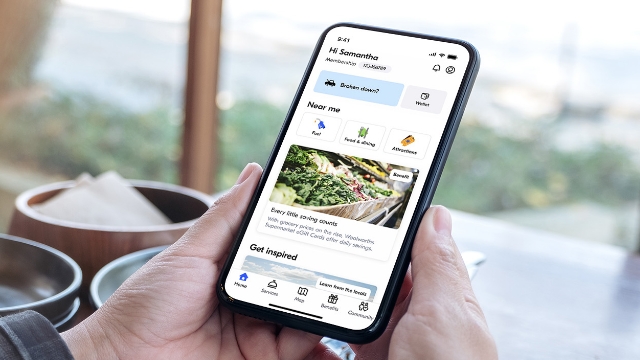
Activate your online account
Activating your online account lets you manage your My NRMA account online, on your mobile phone or computer.
How to activate your online account
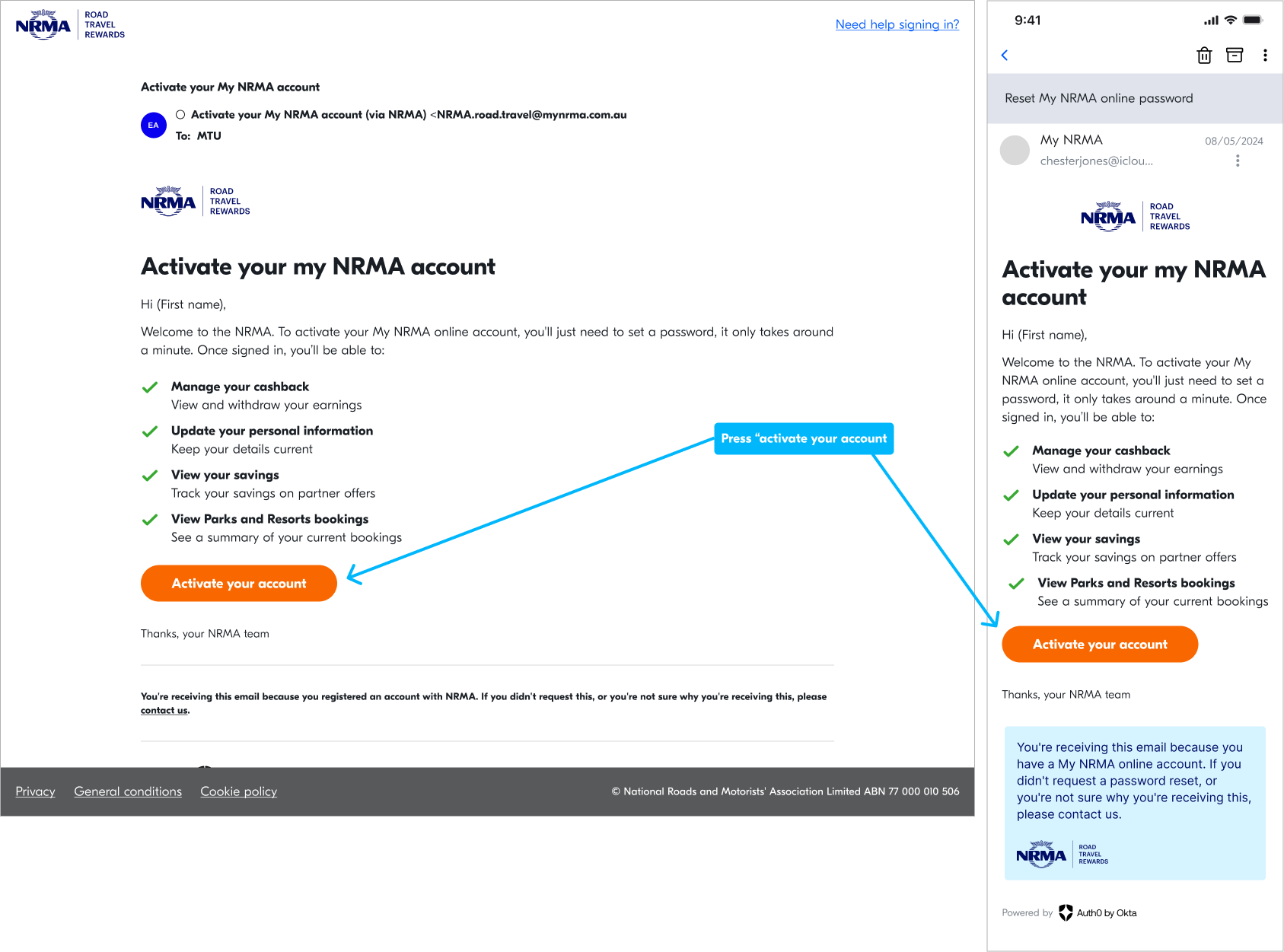
Step 1: Check your inbox for an email asking you to activate your My NRMA account.
Step 2: Press 'Activate account'.
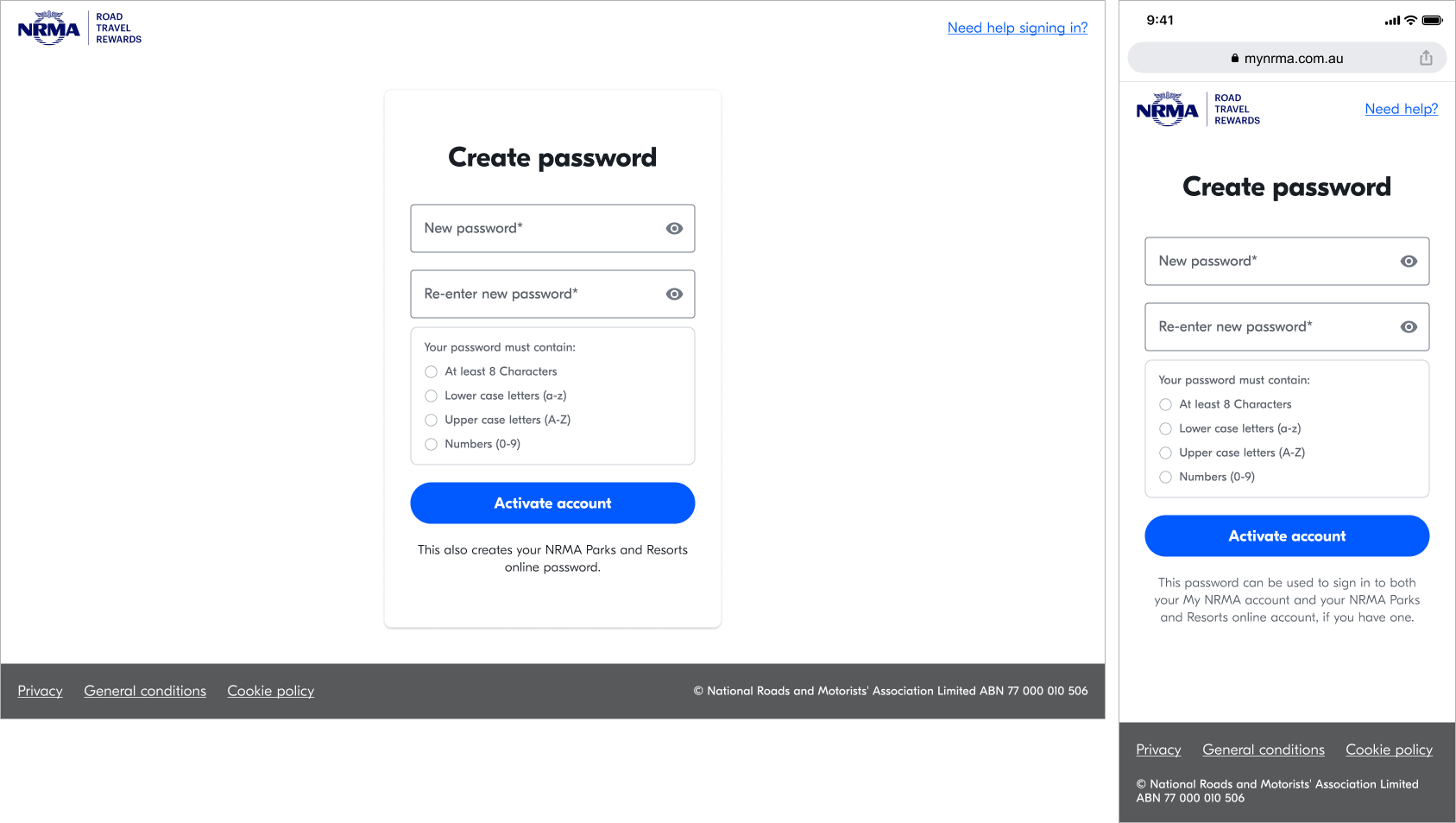
Once you are back on the browser:
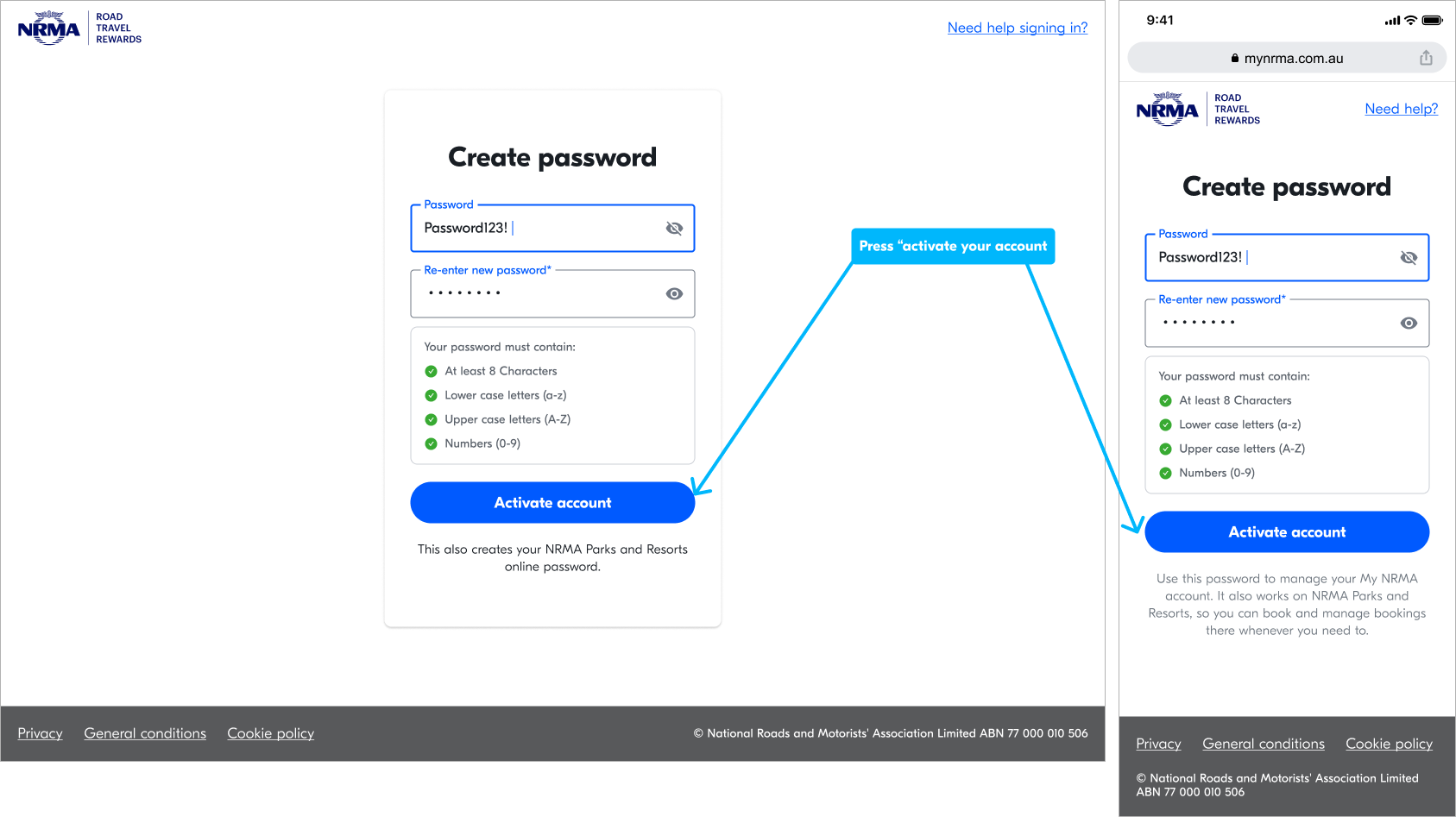
Step 3: Create a password. It must include uppercase and lowercase letters, a number and a special character (for example, @ or #).
Step 4: Press 'Activate account'.
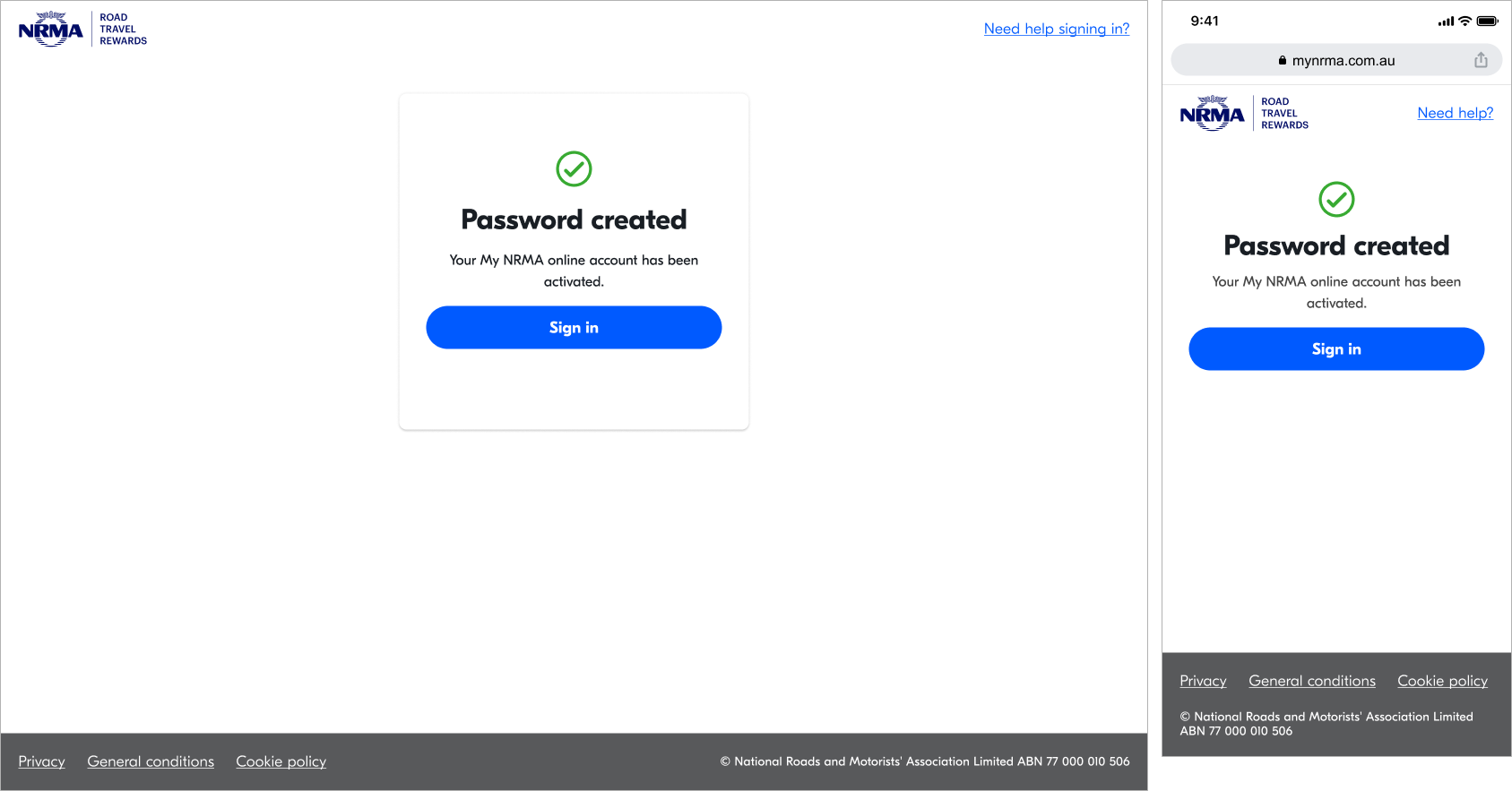
Step 5: Press 'Sign in'.
1/4